How to Turn a Drawing into an Animated GIF
A short wave or jump is a useful first animation for an original character. Clean reference art makes it easier to judge whether the animated version keeps the drawing’s personality.
1. Clean up the reference
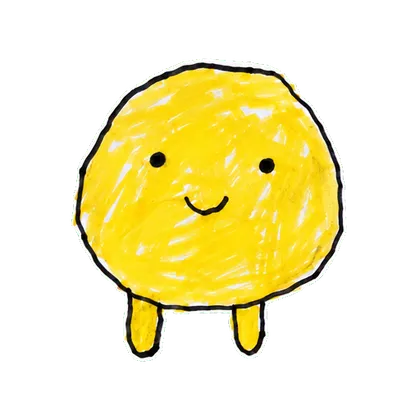
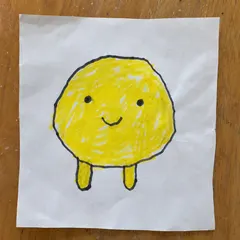
Use a scan or evenly lit photo of your own drawing. Crop out notebook edges and background objects, while leaving room around the character. Strengthen faint outlines and make sure the intended colors are visible. Only upload artwork you own or are allowed to animate.
2. Start with a small action
Open Your Character → GIF and select Wave, Jump, Love or another available action. One clear gesture is easier to judge than a complicated sequence. A mascot can start with Thumbs up; a simple doodle may read better with a wave.
3. Compare every part of the loop
Check the face, proportions, outline thickness and color palette against the source. Watch for extra limbs or shapes that drift between frames. AI animation may redraw details, so a successful export does not guarantee faithful artwork.
4. Export and test at chat size
Download the available GIF and view it where you plan to share it. Check that the movement reads clearly at small size and that the final frame returns naturally to the first. Use a platform-specific export if you want to install it as a sticker instead of sharing a GIF.
From download to your chat
- Telegram
- Use the WebM video sticker export, then follow the Telegram guide to add the pack.
- Download WhatsApp-ready WebP files, then use a compatible sticker importer. A website download does not install a whole pack. See the import steps.
- iMessage & social video
- Share GIFs in messages or an available silent MP4 on social platforms.
Questions before you start
Can I preserve exact logo lettering?
This workflow is intended for characters. Generated frames can distort text, so use another workflow when precise typography is essential.
Does this create a rigged animation project?
No. It creates an exported animation, not editable bones, keyframes or a vector animation project.