
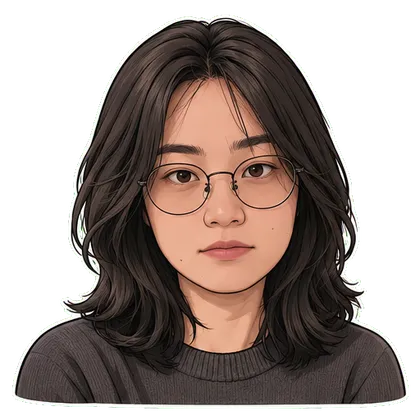
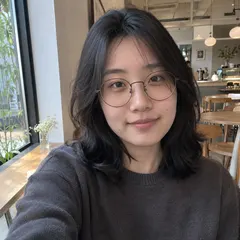
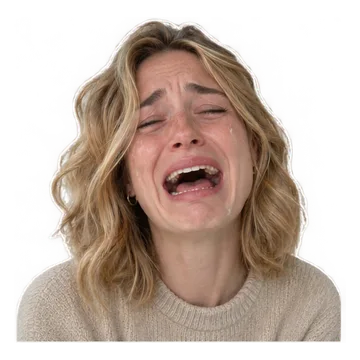
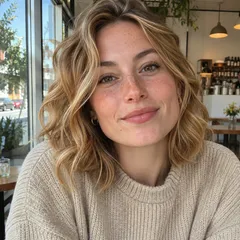
Make it in three steps
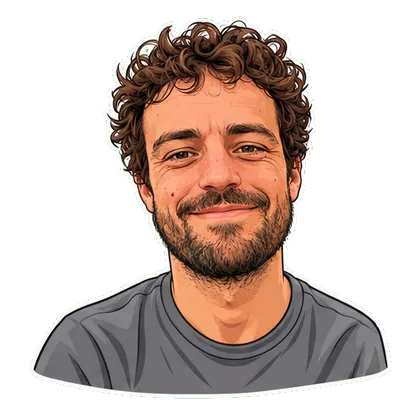
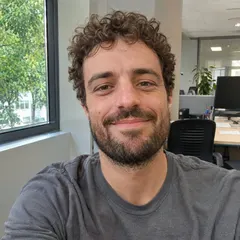
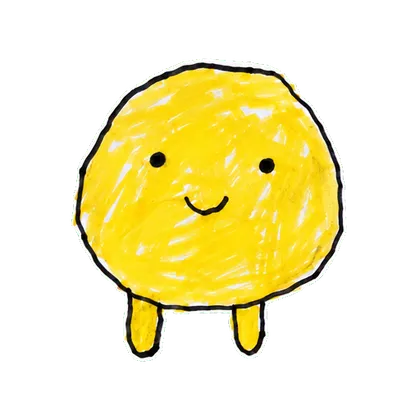
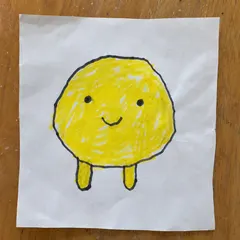
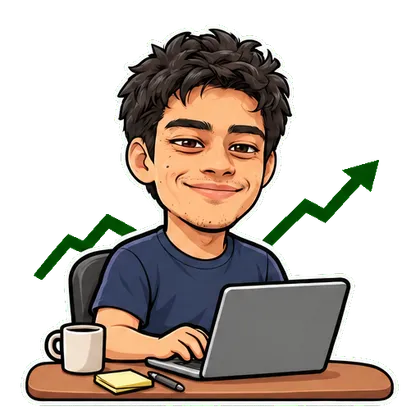
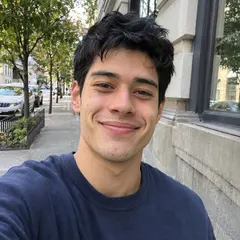
- Choose one effect that matches your portrait, pet photo or original drawing.
- Upload an image you have permission to use and select the available style or action.
- Review identity and the complete loop, then download the GIF when your creation is ready.
Questions before you start
Does image to GIF mean converting a still photo into moving content?
Yes. This AI GIF maker from photo uses your still image as a reference for a selected motion. It is not a slideshow, a video-to-GIF converter or a way to animate any arbitrary instruction.
Can I turn any photo into an animated GIF?
Choose a template that suits the reference: a face for reactions, a full-body pet for dancing or original artwork for character motion. AI may change details, so inspect the result before sharing.
Can I type my own motion, change speed or edit frames here?
This version offers preset effects and styles. It does not offer a free-text motion prompt, playback-speed editor or individual-frame editing. The separate ChatGPT guide explains that product’s current options.
Try another idea with your photo
AI Dancing Cat GIF Maker from Your PhotoSide Eye GIF from Your PhotoDrawing to AnimationPhoto to Animated Sticker
ChatGPT GIF Generator: How to Make a Loop from Text or a Photo