
TikTok AI Templates: Photo Memes & Pet GIFs
Start with your own photo and a visual joke: a dancing cat, three tiny dancers, a pet on a coffee shift or an exaggerated reaction. Pick a preset, preview the loop and save the result for your next TikTok post.
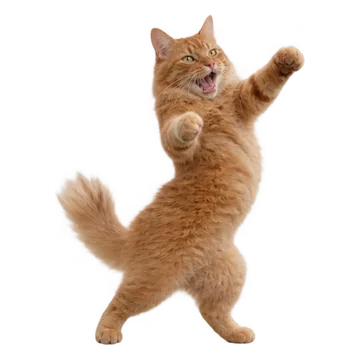
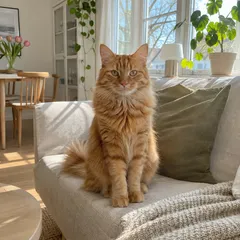
Dancing Pet
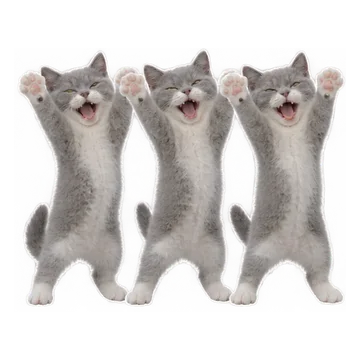
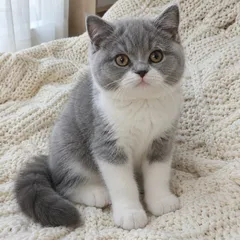
Pet Trio Dance
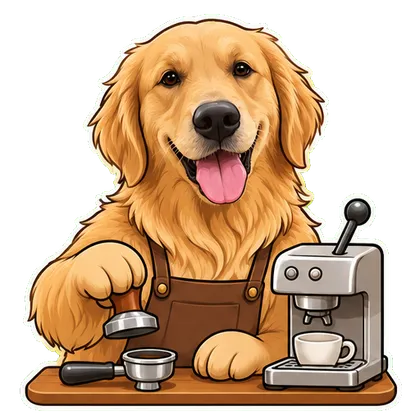
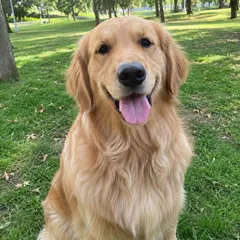
My Pet Has a Job
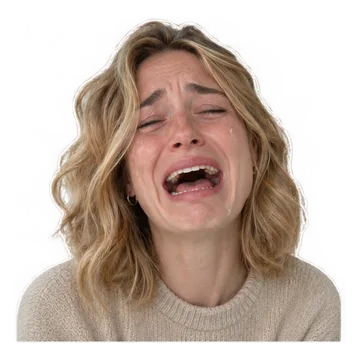
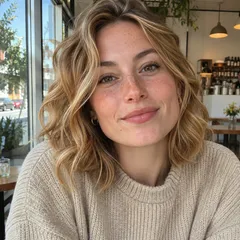
Crying


Side Eye

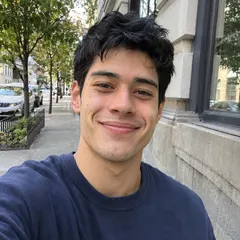
Stock Market Mood
Prefer to write a prompt? Browse GIF prompts
From an idea to a loop
Choose a scene below and upload a clear photo that matches its subject.
Generate a preview and download the available MP4. Single GIF and meme downloads are free with a small watermark, within daily limits.
Upload the silent video to TikTok, arrange it in your edit and add sound there.




Choose the visual before the sound
Use a full-body pet photo for dance scenes and a clear face for crying or side-eye reactions. These presets create a short original loop; they do not copy a TikTok link, exact choreography or a CapCut project.
From a GIF idea to a TikTok post
Choose MP4 for the video upload workflow. You can also convert a downloaded GIF with our GIF-to-MP4 tool. Music, captions and a vertical layout can be added in your video editor; this page does not publish to TikTok for you.
Questions before you start
Are these official TikTok or CapCut templates?
No. These are GifEmoji presets for making your own short visual. They are not affiliated with TikTok or CapCut, and do not import their projects.
Can I use a trending sound or label my video as AI-generated?
Add a sound available to your account inside TikTok. Follow TikTok's current AI-generated-content labeling guidance when posting; the generated file here is silent.
Does a template guarantee views?
No. This is a curated set of usable photo effects, not a live trend chart or a promise of reach. The idea, edit and audience affect the result.
Choose your next step
Want a whole set of expressions?
A single meme makes one moment. A sticker pack gives you a coordinated set for everyday conversations.
Explore animated sticker packs